دليل الإعداد
كيف تحسّن دقة تصويبك على PS5
خطوات عملية لتصويب أفضل على PS5: إعدادات الحساسية والمنطقة الميتة، أغطية العصا، حلقات الدقة، وروتين تسخين لعشر دقائق.
معظم لاعبي يد التحكم يخسرون المواجهات بسبب تجاوز الهدف، لا بسبب سرعة رد الفعل. الحل مزيج من الإعدادات والعتاد والروتين.
الخطوة ١ — اضبط الحساسية
اخفض حساسية النظر درجة واحدة عن المستوى المريح، ثم ارفع حساسية التصويب أثناء تقريب المنظار قليلًا. الالتفاف السريع لا يحسم المواجهات غالبًا، بل التتبع المنضبط.
الخطوة ٢ — قلّل المنطقة الميتة
اضبط المنطقة الميتة للعصا على أقل قيمة ممكنة دون حدوث انحراف. اختبر في ميدان التدريب: إذا تحرك المؤشر وحده، ارفع القيمة درجة واحدة حتى يتوقف.
الخطوة ٣ — طوّر عصا التحكم
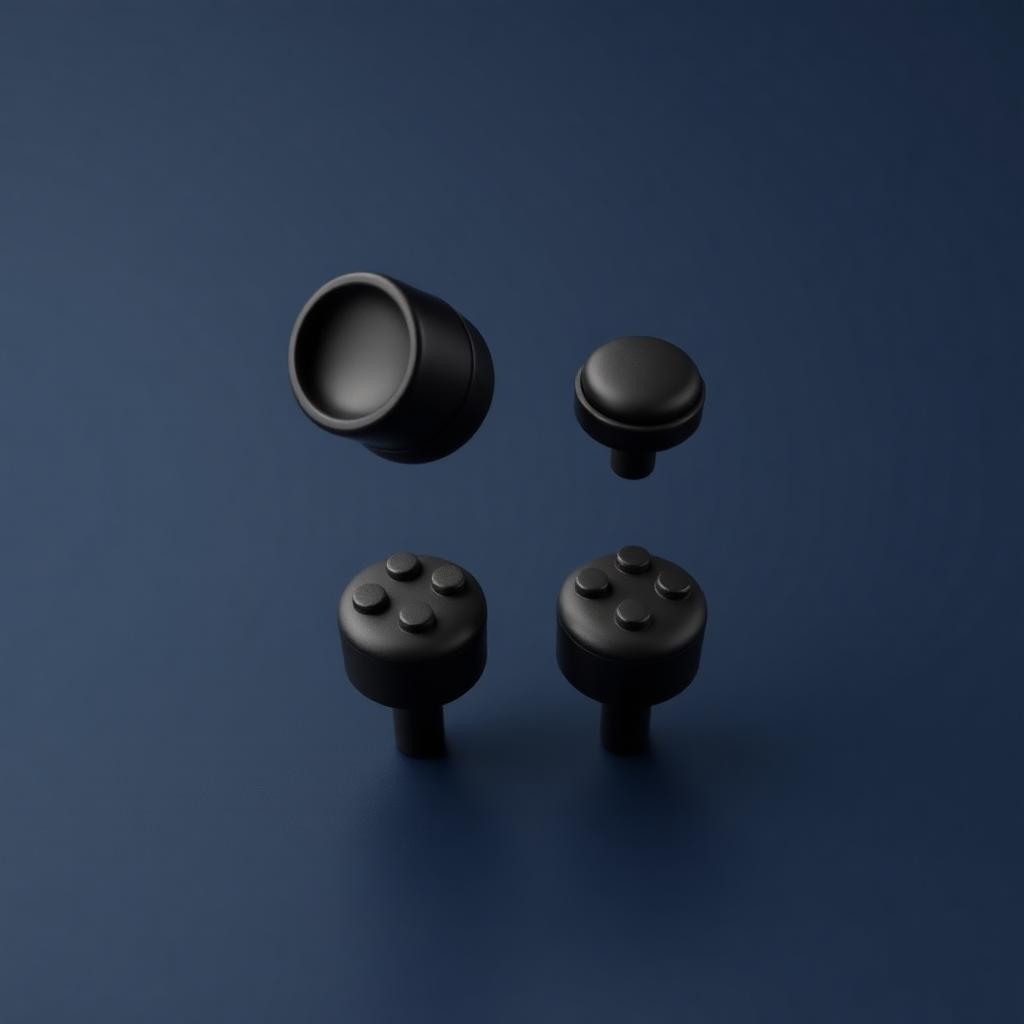
الأغطية الأطول ذات الملمس الخشن تزيد المسافة التي يتحركها إبهامك، ما يعني تحكمًا أدق لكل بكسل من التصويب. أما حلقات الدقة فتضيف مقاومة قرب الحافة الخارجية لتتوقف عن تجاوز الهدف.
الخطوة ٤ — سخّن لعشر دقائق
- ثلاث دقائق تتبع أهداف ثابتة.
- ثلاث دقائق تتبع أهداف متحركة دون إطلاق نار — تتبع فقط.
- دقيقتان من الحركات السريعة القريبة.
- دقيقتان من التصويب الدقيق على مسافة بعيدة.
الخطوة ٥ — حافظ على سلامة العتاد
انحراف العصا يفسد التصويب أسرع من أي إعداد. حافظ على نظافة العصا، واستخدم الأغطية لتقليل التآكل، وأعد المعايرة أو استبدل اليد عند بدء الانحراف.